
AI Speaking Practice
You understand the language.
Now practice speaking it.
You understand the language, but speaking still feels hard — or you get stuck when it is your turn to speak. Mamlio helps you practice one sentence at a time. Listen to AI, shadow the sentence, hear your own voice, and repeat at your own pace.
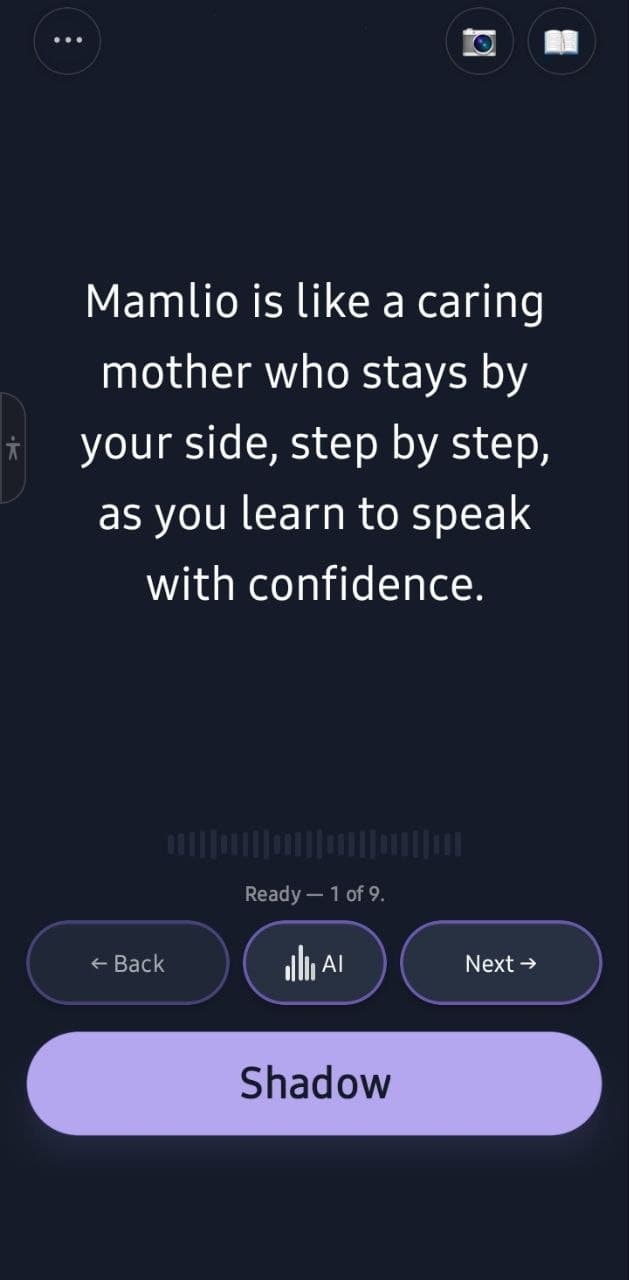
Mamlio stays by your side, step by step, as you learn to speak with confidence.
Mamlio is available on iOS and Android.
Understanding a language is different from speaking it
Many learners understand more than they can say. That gap is normal — and speaking practice can close it with patient, step-by-step work.
Understanding is not the same as speaking
You may recognize words when reading or listening, but still need practice to say them out loud.
You understand the lesson, but struggle to answer
Text, video, or class content can feel clear until it is your turn to respond in the language.
You freeze when it is your turn to speak
Even when you know what you want to say, speaking out loud can still feel hard or stuck.
You do not always have a speaking partner
Regular conversation practice is not always available, so speaking practice can fall behind.
How Mamlio works
Three simple steps. Practice speaking one sentence at a time, at your own pace.
Hear a sentence
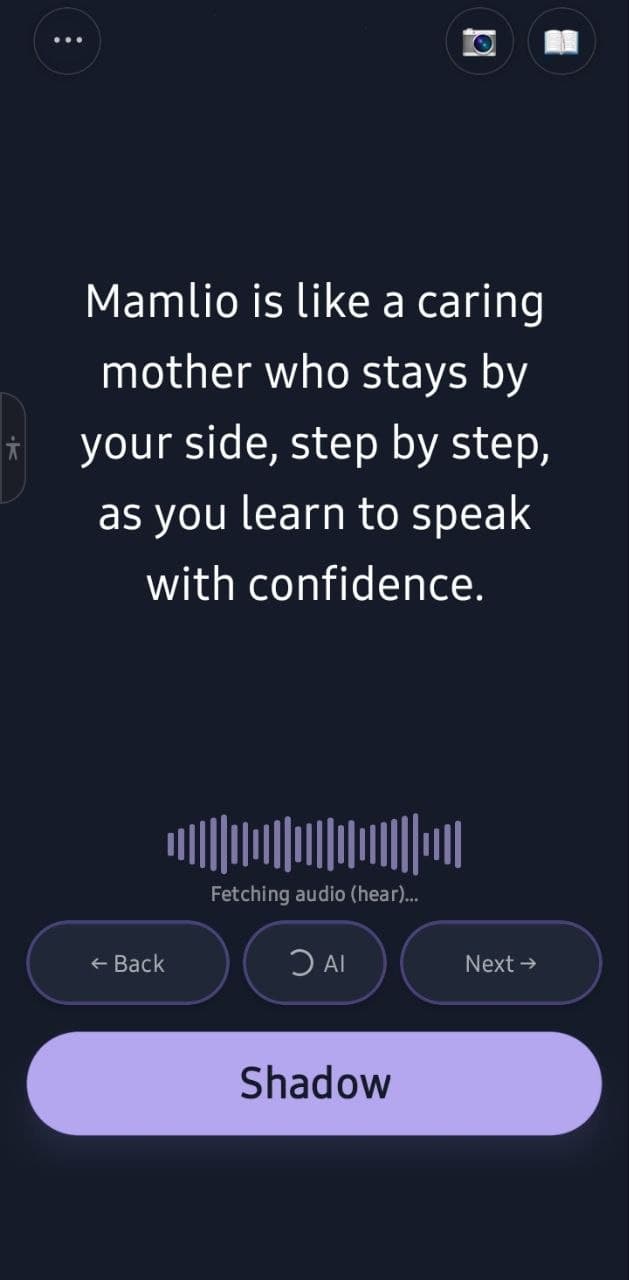
Listen to one sentence at a time so you know the rhythm and pace before you speak.
Shadow and record
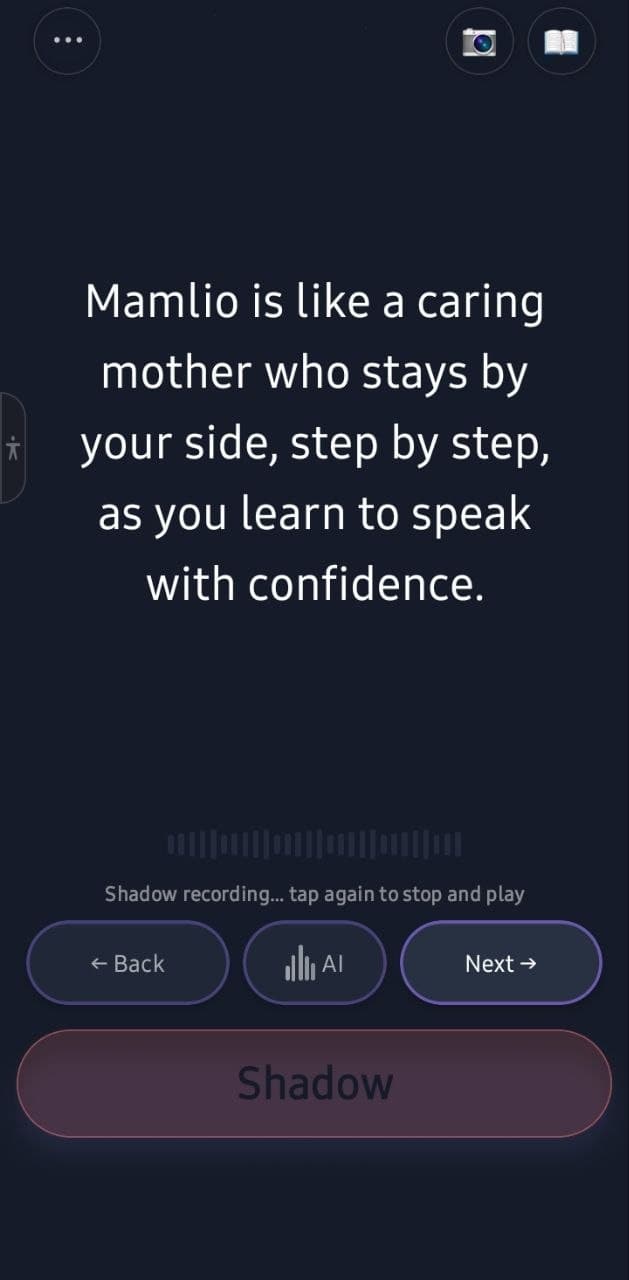
Record what you hear out loud, one sentence at a time, without rushing.
Play back and repeat
Play your recording back, repeat the sentence, and move on at the level that fits you.
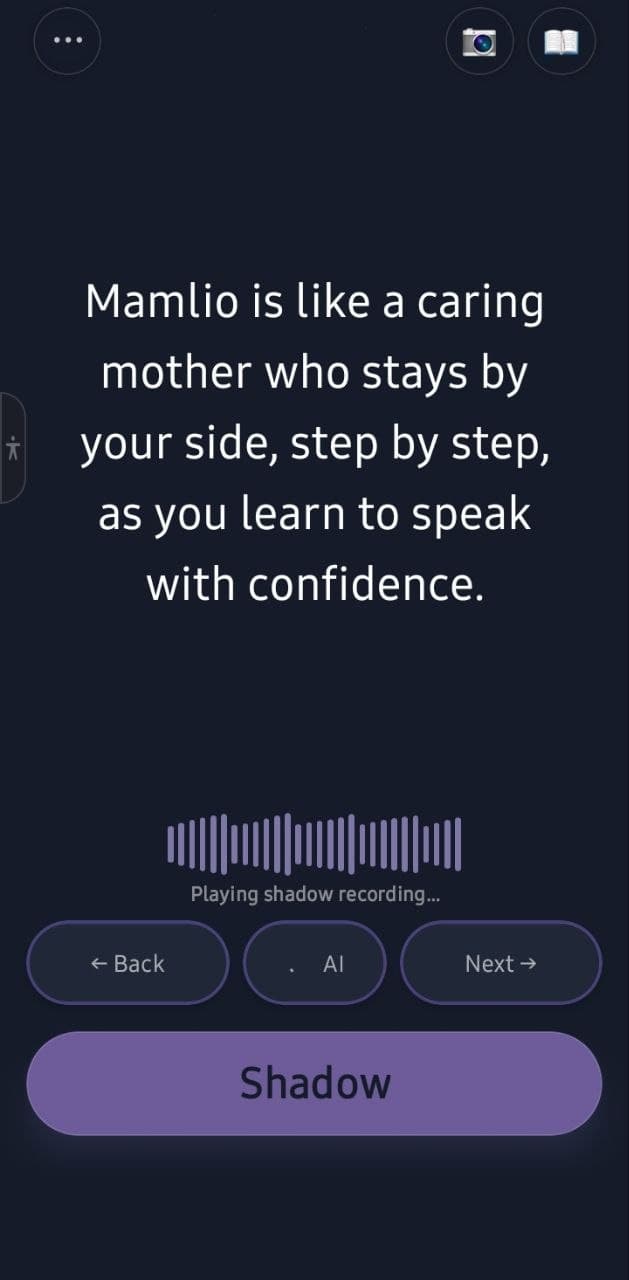
- Hear and shadow — language shadowing practice
- Record and speak — AI speaking practice
- Play back your voice — pronunciation practice through recording and playback
- Repeat the sentence — sentence loop practice
- Practice at your level — CEFR speaking practice
Want a walkthrough? See how to use Mamlio.
Who Mamlio is for
Mamlio is for learners who understand a language but get stuck when speaking — and want a calm way to practice out loud.
Good for
- Learners who understand a language but struggle to speak
- Learners who freeze when answering
- Learners without a regular speaking partner
- Learners who want calm, step-by-step daily practice
- Learners who want to move sentence by sentence
Not for
- A complete grammar course
- Guaranteed fluency
- Anxiety treatment
- Test prep
- A general open-ended free chat chatbot
Core features for speaking practice
Each feature helps you move from understanding a language to saying it out loud.
AI-guided shadowing
Listen and repeat out loud so understanding turns into active speech, one sentence at a time.
Sentence loops
Repeat the same sentence until it feels easier to say before you move on.
Record and playback shadowing
Record your voice while shadowing, then listen back and repeat until the sentence feels easier to say.
CEFR-based practice
Set your level from A1 to C2 and generate sentences that fit where you are today.
Low-pressure speaking practice
Practice out loud on your own, without the pressure of a live conversation.
Dictionary support is also available while you practice, so you can look up a word without losing your place — but speaking activation stays the focus.
From A1 to C2. Practice at your level.
Set your CEFR level, choose a focus, and generate speaking practice that fits where you are today.
First phrases
Everyday basics
Simple conversations
Confident practice
Advanced expression
Most advanced practice
Pick the level that feels closest to your speaking ability today. You can adjust as you practice.
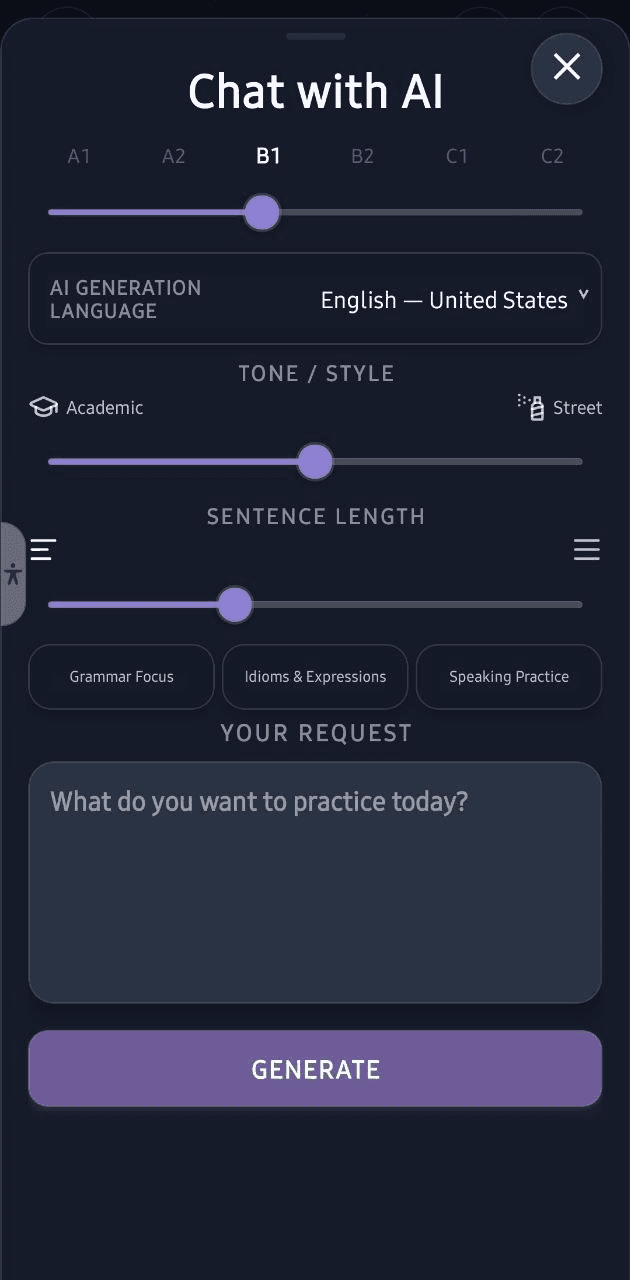
See Mamlio in action
Real speaking practice: hear a sentence, shadow your voice, play it back, and generate level-based practice with AI.
Frequently asked questions
Short, honest answers about speaking practice, Android availability, and language support.
Is Mamlio for learners who understand a language but struggle to speak it?
Yes. Mamlio is built for learners who recognize words when reading or listening but still find speaking hard, slow, or stuck.
How does Mamlio help with speaking practice?
Mamlio helps you hear a sentence, record your shadow practice, listen back, and repeat with sentence loops — one sentence at a time, at your level.
What is shadow practice in Mamlio?
Shadow practice means listening to a sentence and repeating it out loud soon after, so you can work on rhythm and pace.
How do sentence loops help me speak more easily?
A sentence loop repeats the same sentence several times so you can practice saying it more naturally before moving on.
Does Mamlio score or correct my pronunciation?
No. Mamlio is focused on low-pressure shadow practice. You listen to the AI, record your voice, hear it back, and repeat sentence by sentence.
Is Mamlio for beginners or advanced learners?
Mamlio supports practice from beginner to advanced levels. Start with the level that feels closest to your current speaking ability.
Does Mamlio use CEFR levels from A1 to C2?
Yes. Mamlio lets you set a CEFR level and generate speaking practice from A1 to C2 so you can work at a level that fits you.
Is Mamlio available on iOS and Android?
Yes. Mamlio is available on iOS through the App Store and on Android through Google Play. Speaking practice is currently active for English (United States) and Turkish (Istanbul).
Download Mamlio
Mamlio is available on iOS and Android.
Join the language waitlist
Request updates for speaking and AI generation languages that are not available in Mamlio yet.
Language availability
Speaking practice active now: English — United States (en-US); Turkish — Istanbul (tr-TR).
Dictionary active now: English — United States (en-US); Turkish — Istanbul (tr-TR); Persian (fa).
In progress: French (fr-FR); German (de-DE); Russian (ru-RU); English — United Kingdom (en-GB); Italian (it-IT); Spanish (es-ES).
Tell us which language you want us to add next so we know what matters most to you.
We'll email you when your requested language becomes available. No spam, no payment required to join.
By joining, you agree to our Terms of Service and Privacy Policy. You can request data deletion anytime on our Data Deletion page.